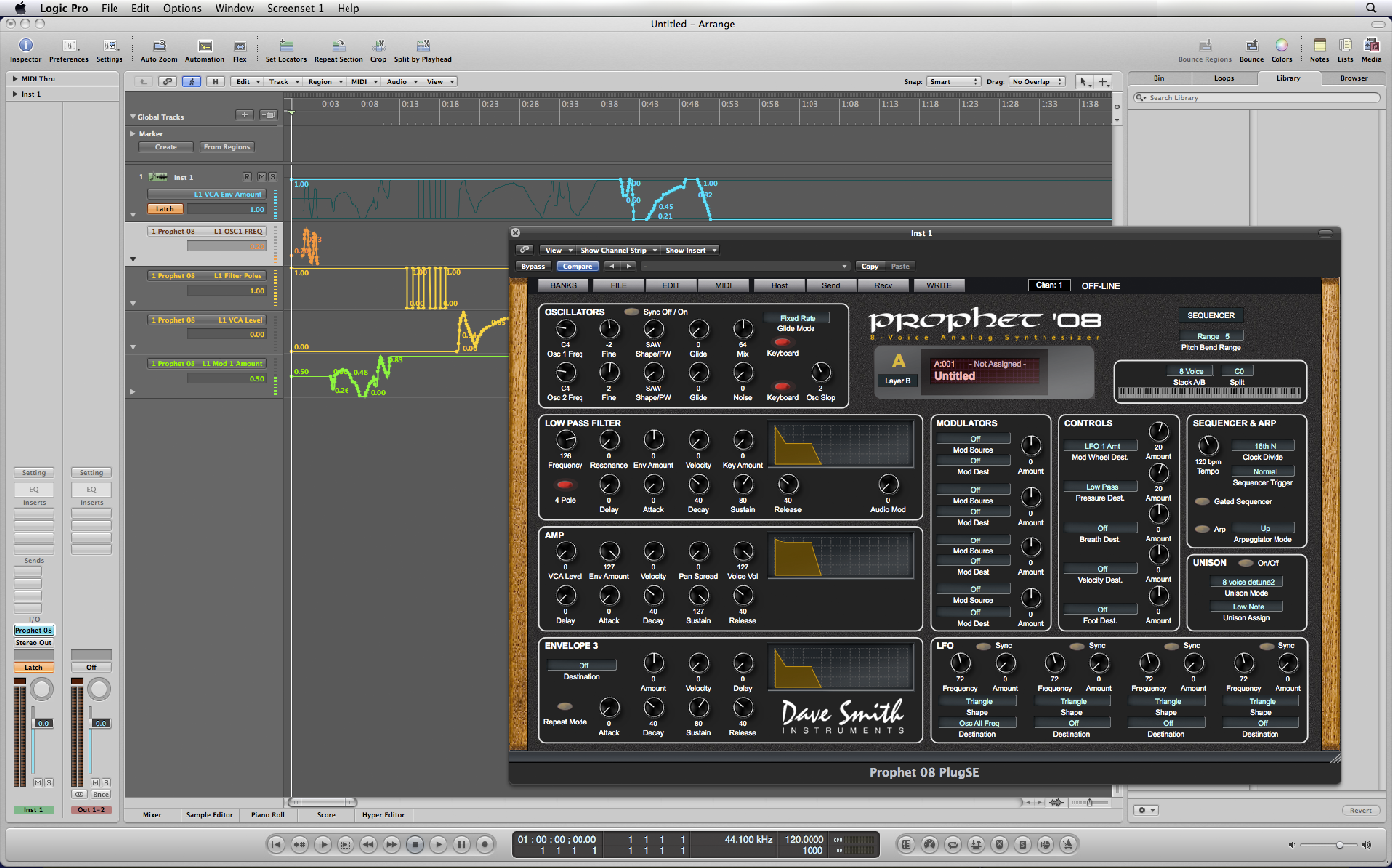
Prophet ‘08 PlugSE Logic Setup
After placing the PlugSE in the Audio Plug-
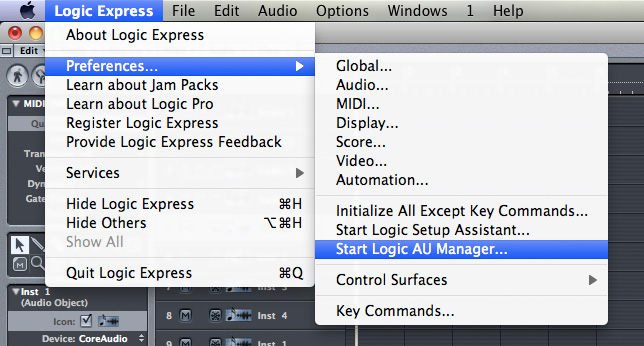
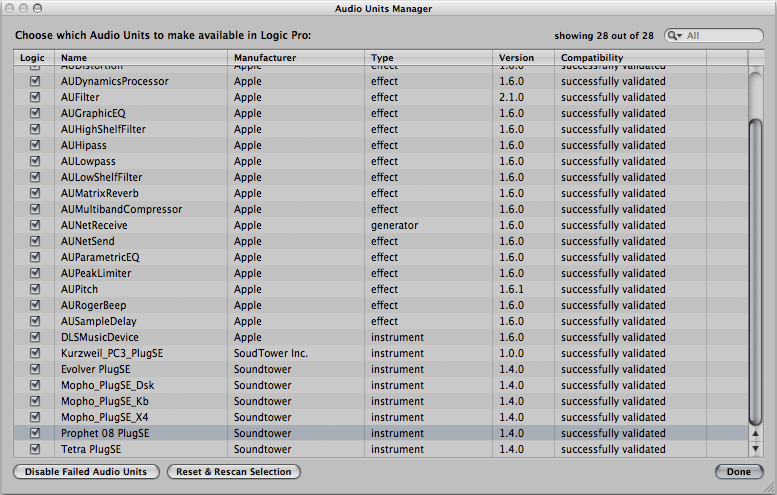
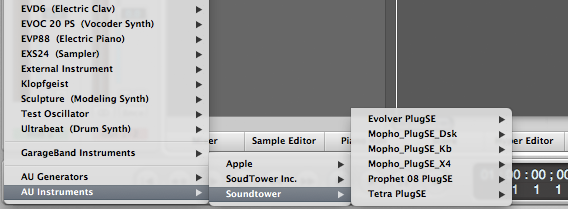
The PlugSE should be listed and enabled. If for some reason it is missing then check
if you have placed the PlugSE component in a correct Audio Plug-
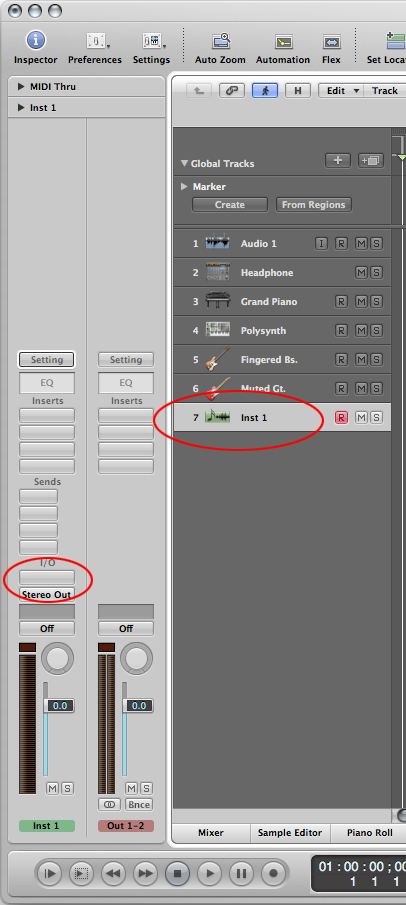
Select one of the instrument tracks and click on the IO button and select the Voyager_PlugSE.
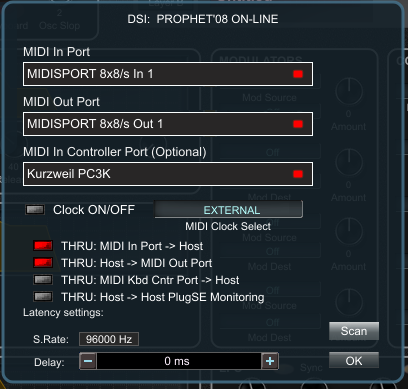
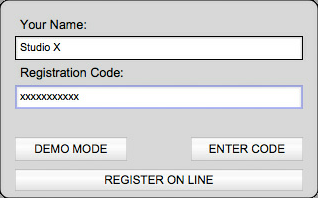
Double-
|
●
|
MIDI Channel = All channels
|
|
●
|
MIDI sysex send/receive = ON
|
|
●
|
MIDI Controller Send = ON
|
|
●
|
MIDI Controller Receive = ON
|
|
●
|
Parameter send = NRPN
|
|
●
|
Parameter Receive = ALL
|
|
●
|
MIDI Out select = OUT.
|
To verify the MIDI SETUP, click on the MIDI button:.



Select instrument track and click on I/O button to display available plugin list.
Now you can test automation by manually turning Prophet '08 knobs that are assigned to some parameters or use PlugSE knob controls. All movements will be drawn on the automation tracks.